Your podcasts.
Your server.
rPodcasts is a podcast and video-channel player you run yourself. Your library lives on your own server. The apps keep a full copy, play offline and sync every device.
On the App Store for iPhone and iPad. Part of the Rotten Ninja collection.
Everything you follow, in one place
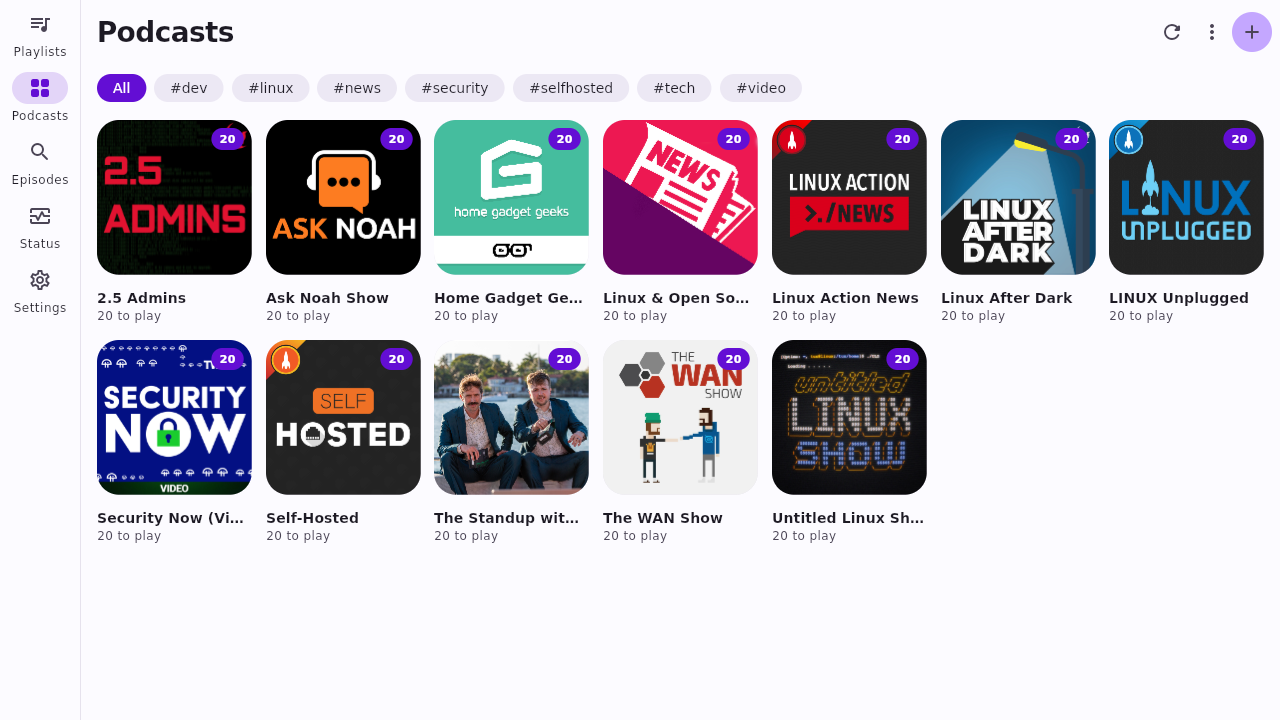
Podcast feeds and video channels side by side, ordered the way you want, ready when you're offline.
Smart playlists
Each playlist is a filter: tags, channels, length, date, played or not. New episodes slot in on their own.
Offline first
Each phone keeps the newest or oldest episodes of the playlists you pick, within a storage limit you set.
Synced everywhere
Positions, played marks and stars follow you between phone, desktop and browser.
Video channels too
Follow a page of videos, then watch or listen at the quality you choose. Downloads work the same as podcasts.
Per-show settings
Speed, skip the intro and outro, how often to check, how much to keep: set it once for each show.
Nothing runs unseen
Every refresh, stream, sync and download shows on the Status page, along with the reason it happened.
See it
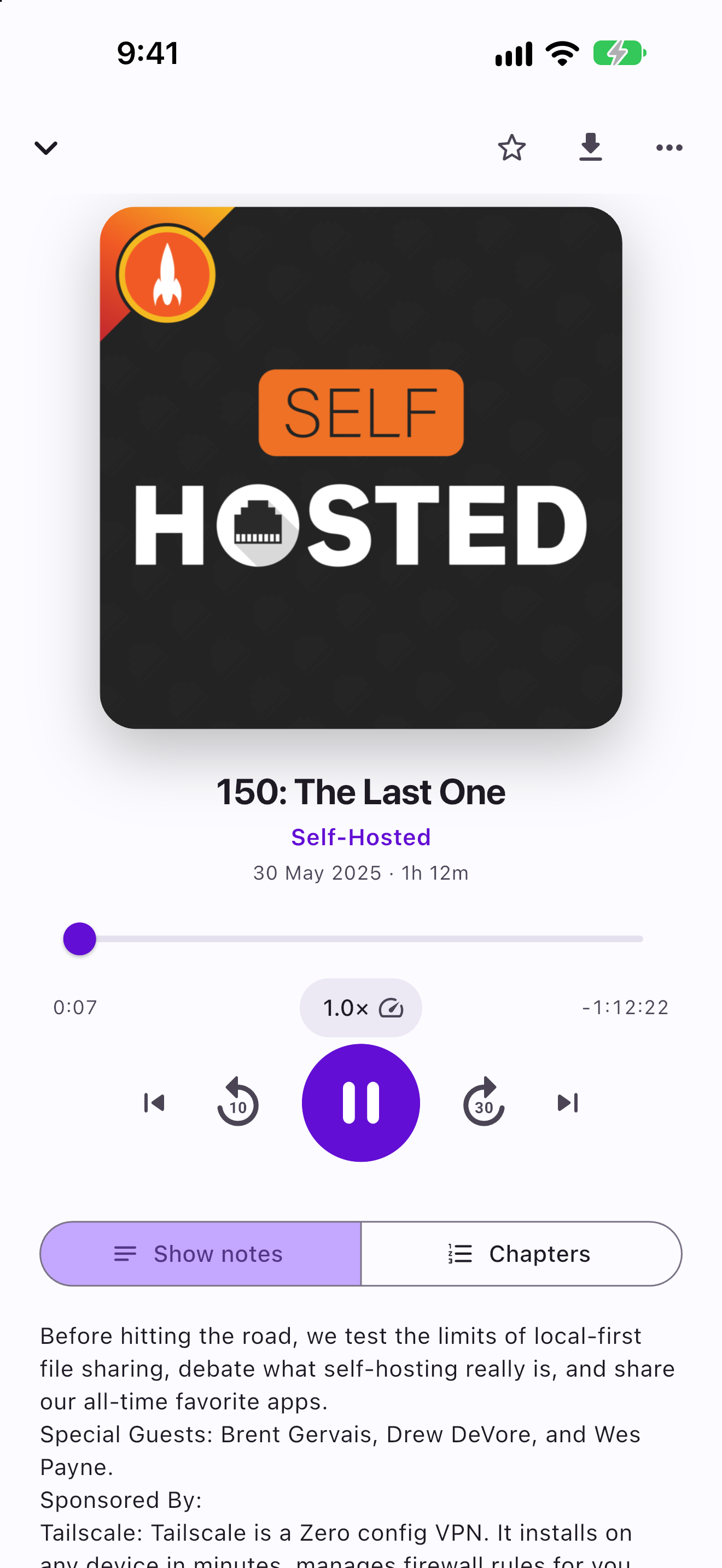
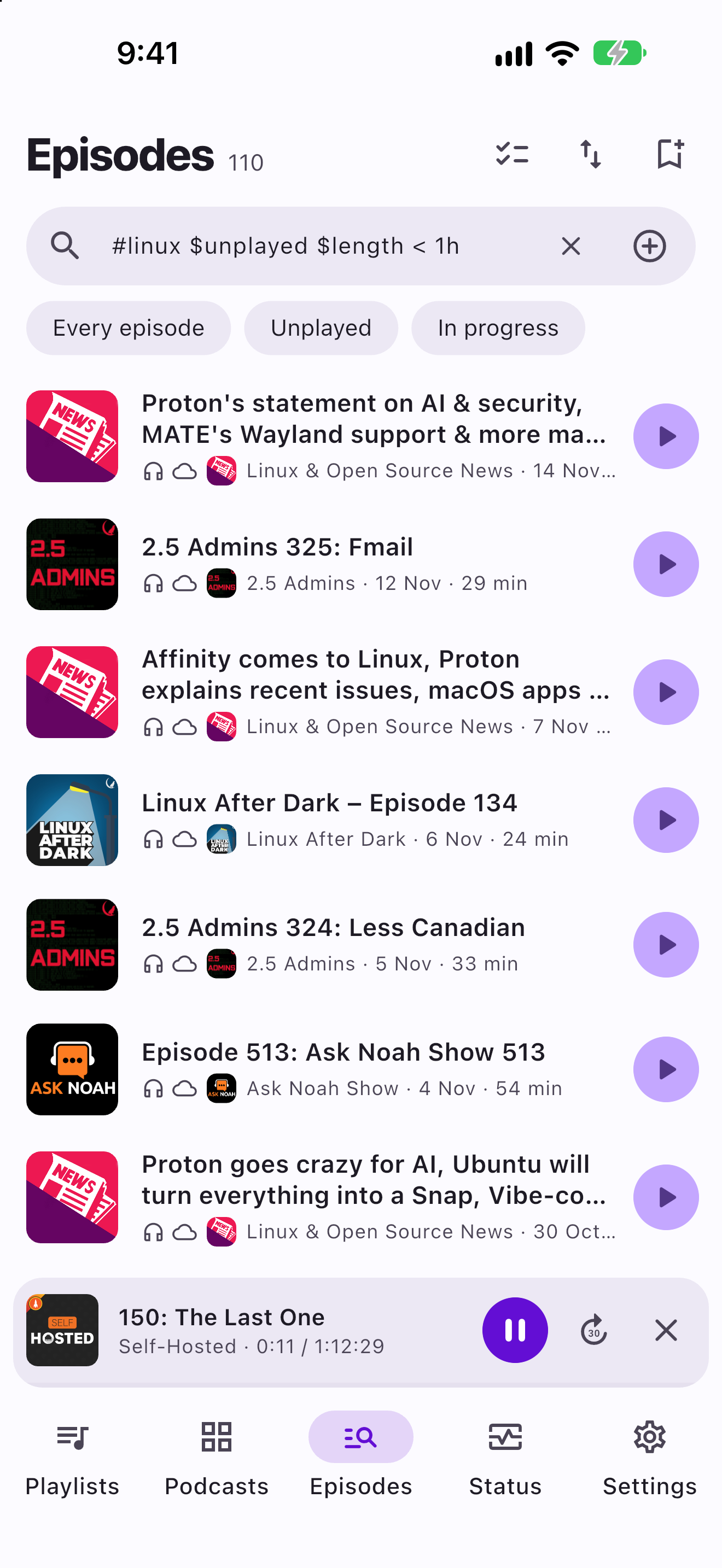
The same app on every device: playlists first, your shows a tap away.
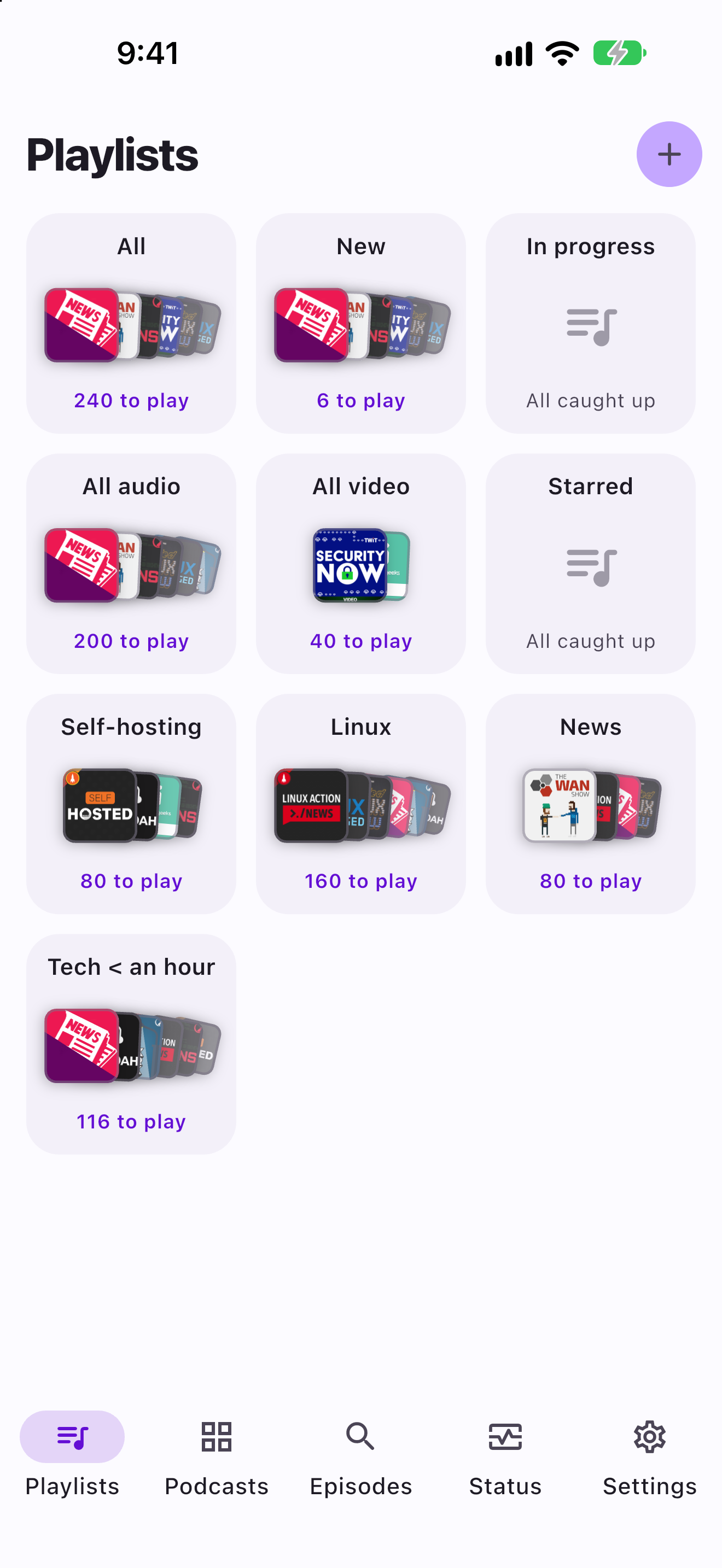
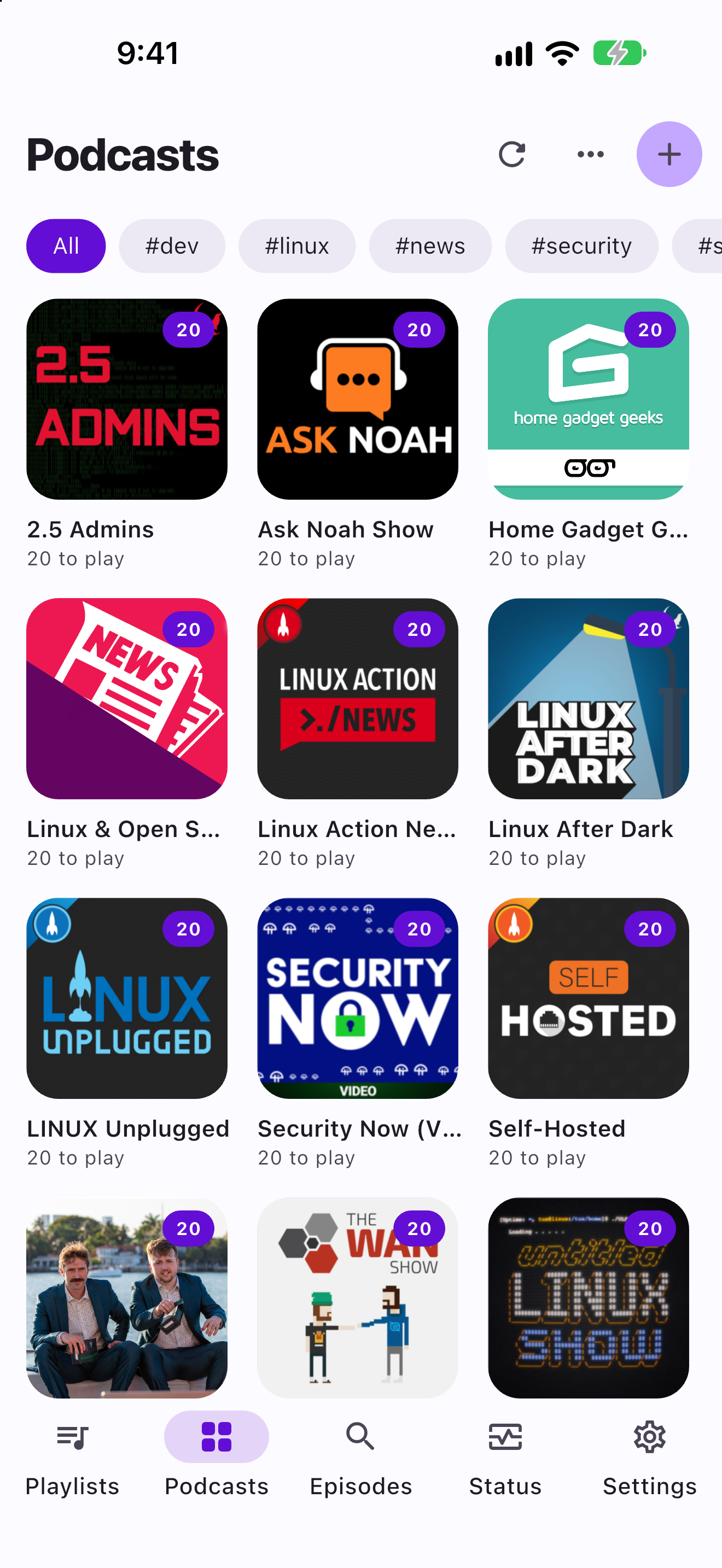
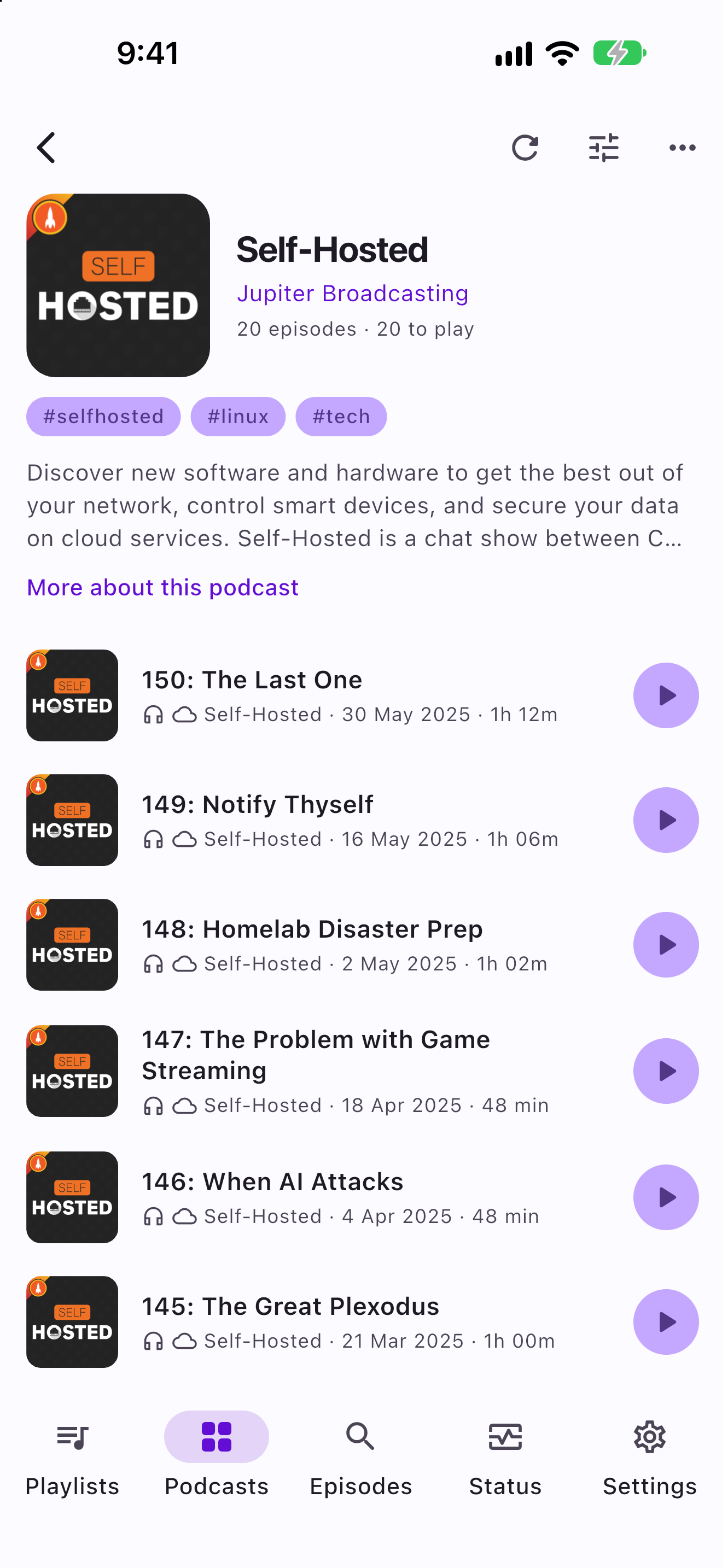
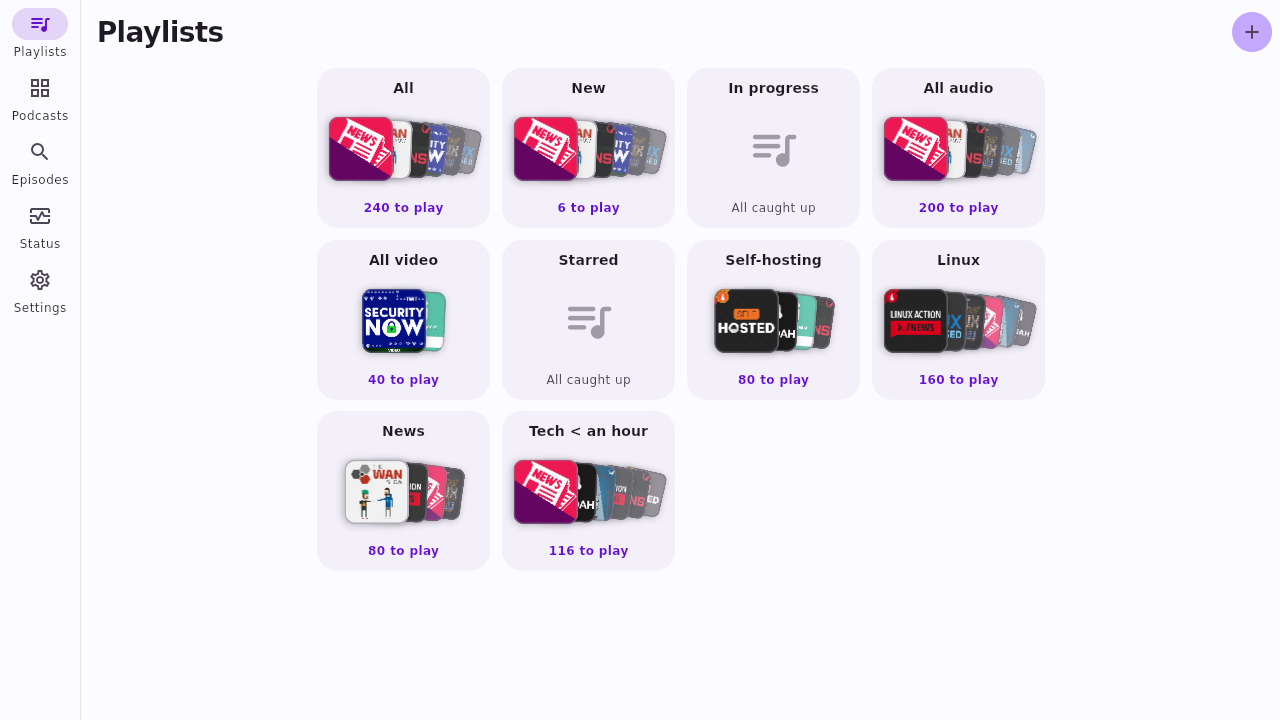
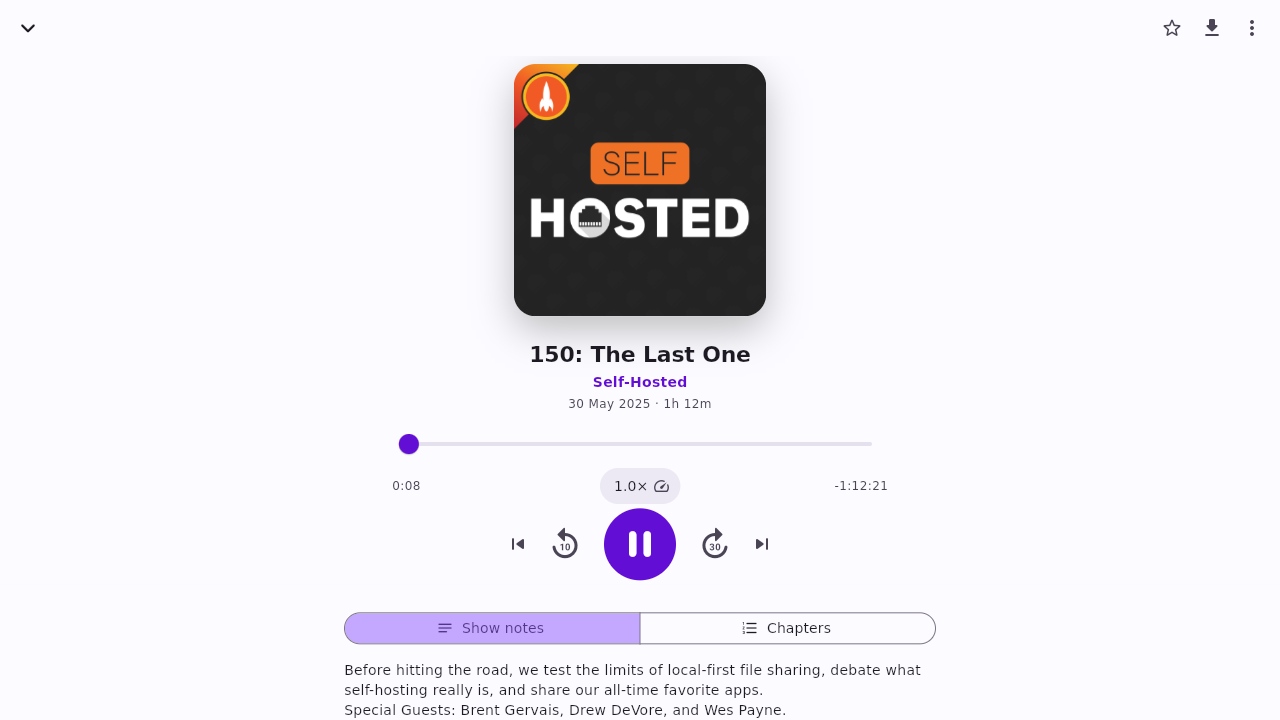
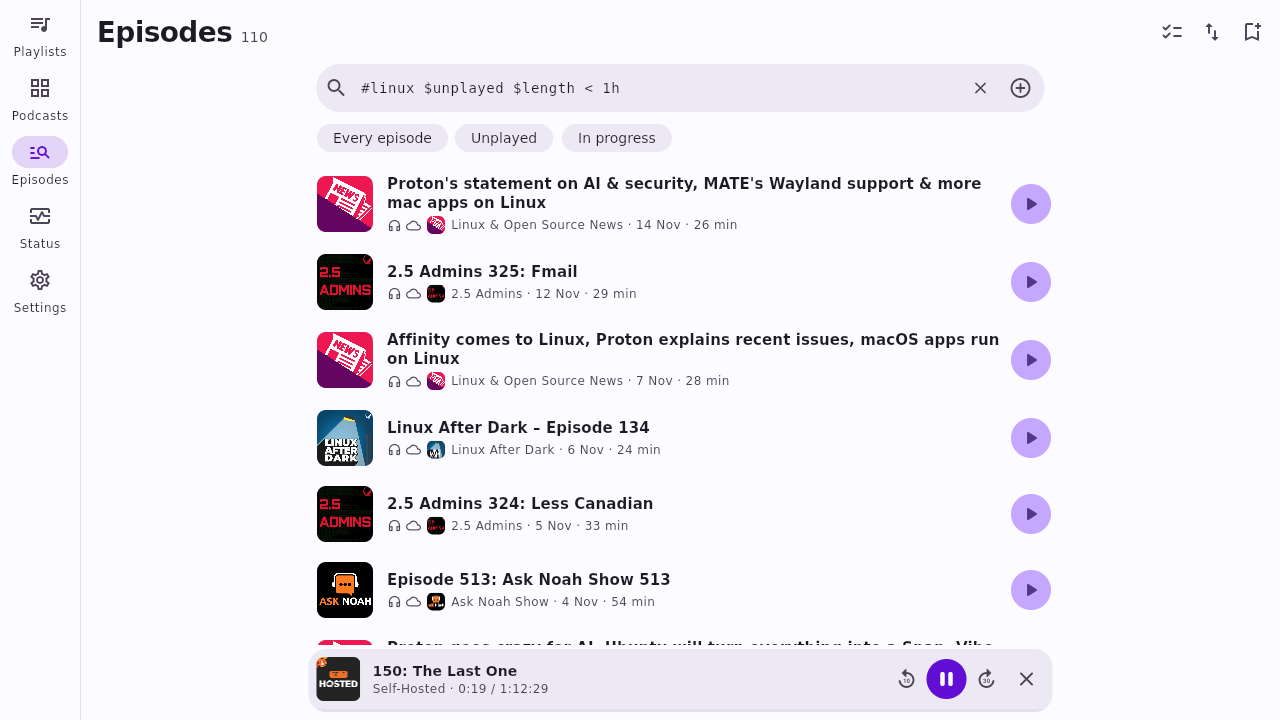
Playlists are just filters
Tag your shows, then write a line. The same filter works in the app, offline, and on the server.
- Combine tags with
ORor leave one out with! - Sort by newest, oldest or your own order
- Turn on downloads for any playlist
- Import and export OPML; folders become tags
# morning news, short and unplayed
#news $unplayed $length < 30min

# tech shows, but not the kids' ones
(#tech OR #science) !#kids

# everything starred this month
$starred $published >= -30d
Get the app
The app signs in to your own server, so set one up first. Every version keeps a full copy of your library and plays offline.
Mac
For macOS 12 or later, on Apple silicon or Intel. Unzip it and move podcasts to Applications.
Or sign in to your server from any browser, or build the app yourself.
Run your own server
One small Go binary and an SQLite file. Docker on Linux is the recommended way to run it; there are also plain binaries for Linux, macOS and Windows. It never stores media: podcasts play from their own address and videos stream on demand.
# docker-compose.yml
services:
  rpodcasts:
    image: ghcr.io/rottenninja/rpodcasts-server:1.1
    restart: unless-stopped
    ports:
      - "8484:8484"
    volumes:
      - state:/data/state
    environment:
      PODCASTS_PASSWORD: ""
      PODCASTS_MASTER_KEY: ""
      # "true" once it is behind HTTPS
      PODCASTS_SECURE_COOKIE: "false"

volumes:
  state:
# print a password and key, then paste them into docker-compose.yml
docker compose run --rm rpodcasts password

# start it on port 8484
docker compose up -d
- Save that file as
docker-compose.yml, then run these two commands beside it - The image is built for x86 and ARM, with
ffmpeginside - Sign in from the web at port 8484, or from the app with your server's address and password
- Private feeds with a user name and password are stored encrypted
- It is open source under the GPLv3: the server, with every setting listed, and the app
# download and unpack it; on ARM, change x64 to arm64
curl -L https://github.com/RottenNinja/rPodcasts-server/releases/latest/download/rpodcasts-server-linux-x64.tar.gz | tar -xz

# make a password and key, kept in .env
./podcasts password > .env

# start it on port 8484
set -a; . ./.env; set +a
./podcasts serve
- One static binary for x86 or ARM that runs on any distribution
- The password to sign in with is in
.env; the library is kept instate/beside it - Sign in from the web at port 8484, or from the app with your server's address and password
- Put
ffmpegon yourPATHfor video channels - Every setting is listed in the server's README
# download and unpack it
curl -LO https://github.com/RottenNinja/rPodcasts-server/releases/latest/download/rpodcasts-server-macos.zip
unzip rpodcasts-server-macos.zip

# make a password and key, kept in .env
./podcasts password > .env

# start it on port 8484
set -a; . ./.env; set +a
./podcasts serve
- For macOS 13 or later, on Apple silicon or Intel, signed and notarized
- The password to sign in with is in
.env; the library is kept instate/beside it - Sign in from the web at port 8484, or from the app with your server's address and password
- Put
ffmpegon yourPATHfor video channels - Every setting is listed in the server's README
# in PowerShell, in the unzipped folder: print a password and key
.\podcasts.exe password

# set the two values it printed
$env:PODCASTS_PASSWORD = "..."
$env:PODCASTS_MASTER_KEY = "..."

# start it on port 8484
.\podcasts.exe serve
- For x64 PCs. Unzip the download first
- The library is kept in
state\beside it - Sign in from the web at port 8484, or from the app with your server's address and password
- Put
ffmpegon yourPATHfor video channels - Every setting is listed in the server's README
Send a Prompt Request
Do not send pull requests. Send a prompt request! PR now stands for Prompt Request lol.
Me having to spend credits getting my AI to read hundreds of lines of code that you spent credits getting your AI to write, to then tell me what it does, and then having to get my AI to check and validate it, is slow and expensive. Just open an issue saying in plain English what you want, in a single paragraph, and I'll get my AI to write it using the rules it already has. Much simpler, cheaper and better for the planet.